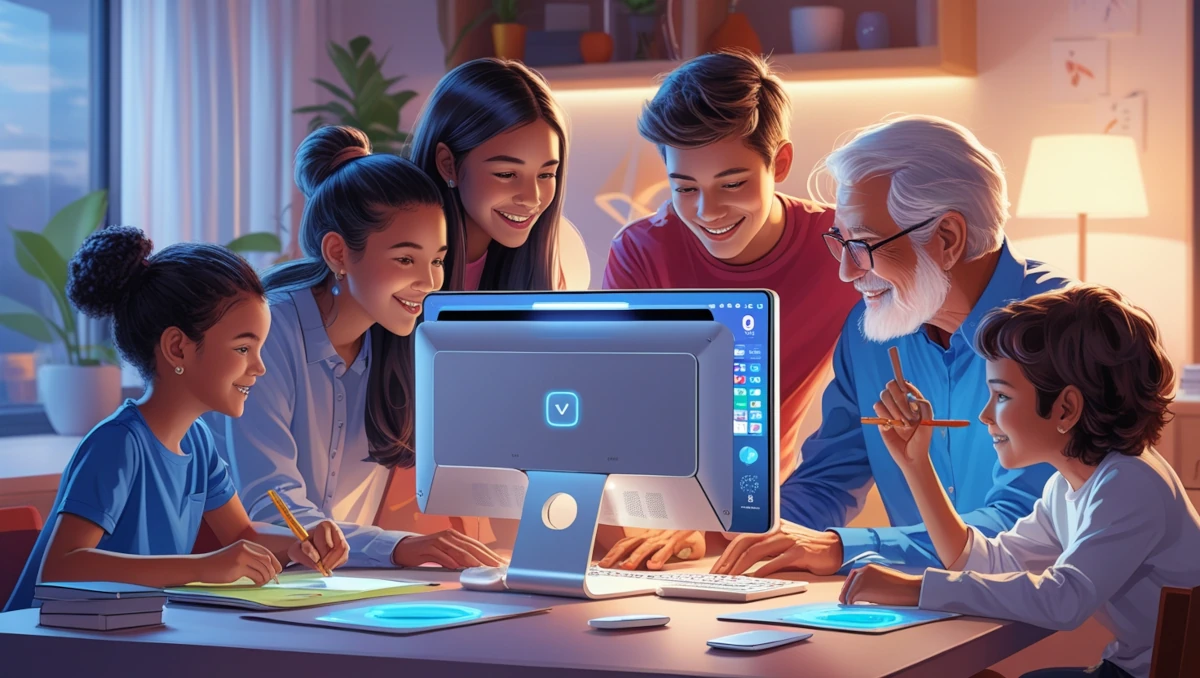
Technology has become the heartbeat of modern family life! Imagine a single device that can support homework, entertainment, remote work, and family bonding – that’s the power of a family computer.
Whether you’re a parent seeking the perfect digital hub or a family looking to upgrade your tech, this comprehensive guide will walk you through everything you need to know about choosing the ideal family computer.
What is a Family Computer?
A family computer is more than just a device—it’s the heart of a household’s digital life.
Unlike personal laptops or gaming PCs built for one user, a family computer is a shared family device designed to accommodate multiple users of all ages.
It serves as a home computer for everything from schoolwork and office tasks to entertainment and communication. Think of it as the central tech hub that keeps everyone connected.
In today’s digital age, the perfect family computer acts as a multi-user computer with distinct profiles for parents, teens, and younger kids.
It should be versatile enough to function as a home office computer, a kid-friendly laptop (if it’s a laptop, or computer in the case of a desktop), and even a remote learning device when needed.
A good family computer balances performance, security, and affordability while supporting the various needs of a household, from educational tasks to family entertainment.
Pro tip: When shopping for a family computer, think ecosystem, not just hardware. You want a device that can grow and adapt with your family’s changing tech needs.
Essential Features of the Perfect Family Computer
Picking the best family computer isn’t just about grabbing the most powerful machine; it’s about finding one that fits your family’s needs. Here are the essential features to look for:
1. Multi-User Profiles & Parental Controls
A good family computer must support multiple user profiles. This allows each family member to have a personalized experience with their own settings, apps, and browsing history. Built-in parental controls are a must for a kid-safe laptop (or desktop), ensuring safe browsing and time limits for younger users.
2. Durability & Reliability
Let’s be real—kids (and sometimes adults) can be rough on devices. A family tech solution should be sturdy enough to withstand daily wear and tear. Opt for a durable, well-built laptop or desktop for families with a strong keyboard and spill-resistant design.
3. Performance & Storage
Whether it’s for homework, streaming, or work meetings, a shared digital device should have at least 12GB of RAM and a fast processor (Intel i5 or AMD Ryzen 5 at minimum). A solid-state drive (SSD) ensures quick load times, while ample storage (512GB or more) keeps everything from family photos to school projects organized.
4. Security & Privacy Features
A safe family computer could include features like biometric login (fingerprint or facial recognition), strong antivirus protection, and privacy-focused browsing tools. These keep personal data secure while maintaining a safe online environment.
5. Affordability & Upgradability
Not every family needs a high-end computer, but finding an affordable family PC that can grow with your needs is key. Look for models that allow RAM or storage upgrades to extend their lifespan.
Top Family Computer Options in 2026
With so many options available, choosing the right multi-profile computer can be overwhelming. Here are some of the best family tech essentials to consider:
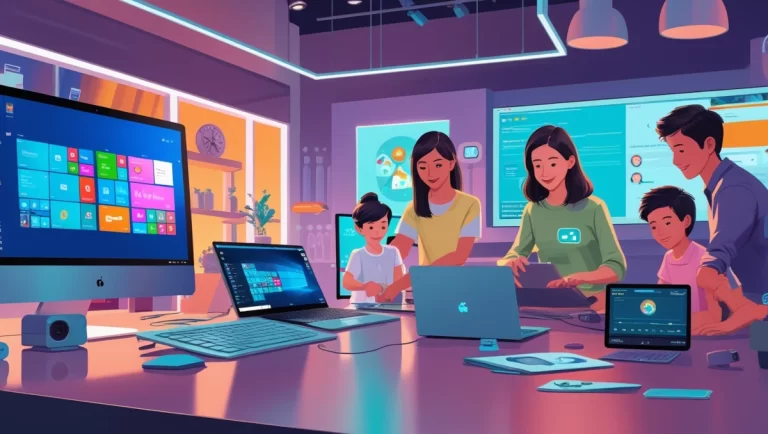
Best Overall: Apple iMac (M3, 2026)
- Large 24-inch Retina display
- Multiple user support via macOS
- Strong parental controls & security features
- Great for remote learning and creative tasks
Best Windows Option: Dell Inspiron 27 All-in-One
- 27-inch full HD touchscreen
- Windows Family Safety features included
- Ideal for family work and entertainment
Best Budget Option: Lenovo IdeaCentre 3
- Affordable family PC with solid performance
- Compact design, perfect for small spaces
- Expandable storage for long-term use
Best Laptop: HP Envy x360
- Convertible design (tablet & laptop mode)
- Touchscreen with pen support for interactive learning
- Strong battery life for portability
Setting Up Your Family Computer for Success
Once you’ve chosen the perfect shared screen computer, proper setup ensures a smooth experience for everyone. Here’s how to get started:
1. Create Separate User Accounts
Set up different accounts for each family member with custom settings. This way, kids get restricted access while adults have full control over settings and downloads.
2. Install Essential Software
A family productivity device should have:
- Antivirus software for security
- Office suite (Microsoft 365 or Google Workspace) for work and homework
- Streaming apps for entertainment
- Educational software for kids
3. Enable Parental Controls
Use built-in tools like Microsoft Family Safety or macOS Screen Time to set content filters, time limits, and app restrictions for younger users.
4. Set Up Cloud Storage & Backups
A digital family workspace should have easy access to cloud storage like Google Drive or OneDrive to keep important files backed up and accessible from any device.
Maximizing Family Computer Potential
A well-maintained family communication device can serve multiple purposes beyond basic computing. Here’s how to get the most out of it:
1. Use It as a Home Learning Hub
Install educational software, coding programs, and digital textbooks to make learning interactive and engaging for kids.
2. Make It a Family Entertainment System
Set up streaming services like Netflix or Disney+ for movie nights. A good family streaming device should also support music apps like Spotify and video conferencing for virtual gatherings.
3. Encourage Creativity & Collaboration
A family creative tool can be used for video editing, digital art, or music production. Encourage kids to explore software like Canva, GarageBand, or Adobe Creative Cloud.
4. Optimize for Work & Productivity
Turn your home computer into a home office laptop by setting up a dedicated workspace with ergonomic accessories and productivity apps like Trello or Notion.
5. Keep It Updated & Secure
Regular software updates, security patches, and routine maintenance will keep your digital family hub running smoothly for years.
Final Thoughts
A family computer is more than just a tech gadget—it’s a shared digital workspace that supports learning, work, and entertainment for everyone.
Did you know that a study in 2019 showed that 41.7% of households worldwide had a home computer? (Source ref: Statista.com).
By choosing the right device, setting it up properly, and using it to its full potential, you’ll ensure it becomes a valuable part of your household.
Whether you’re investing in a multi-user laptop or a home education computer, the key is finding a balance between performance, safety, and usability.
Happy computing!
If you are still unsure or need more info, check out the related articles on my site here!